

Tipping made simple for Kuwait.
Guests tip in under fifteen seconds with no app, no account — and your team sees every fils.
What if every tip could also generate revenue for your business?Ask us howHow it works
Four steps for the guest, zero admin for your team.
Scan
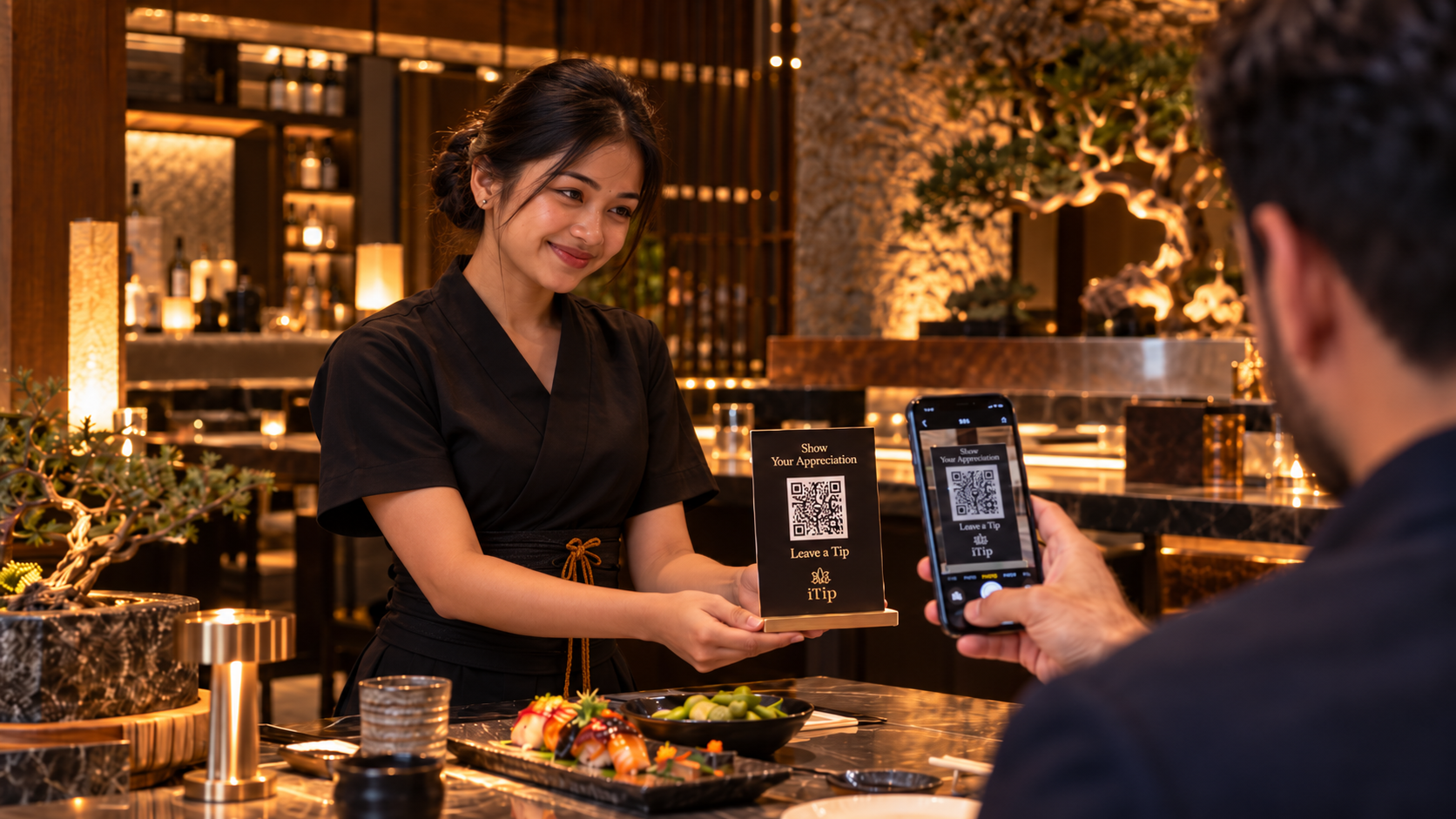
Guest scans the QR code wherever the service happened.
Choose
Preset or custom amount.
Pay
KNET, card or Apple Pay in a familiar secure checkout.
Receipt
Instant digital receipt and a record in your dashboard.
Payment options vary by availability

Give each team member a personal QR code
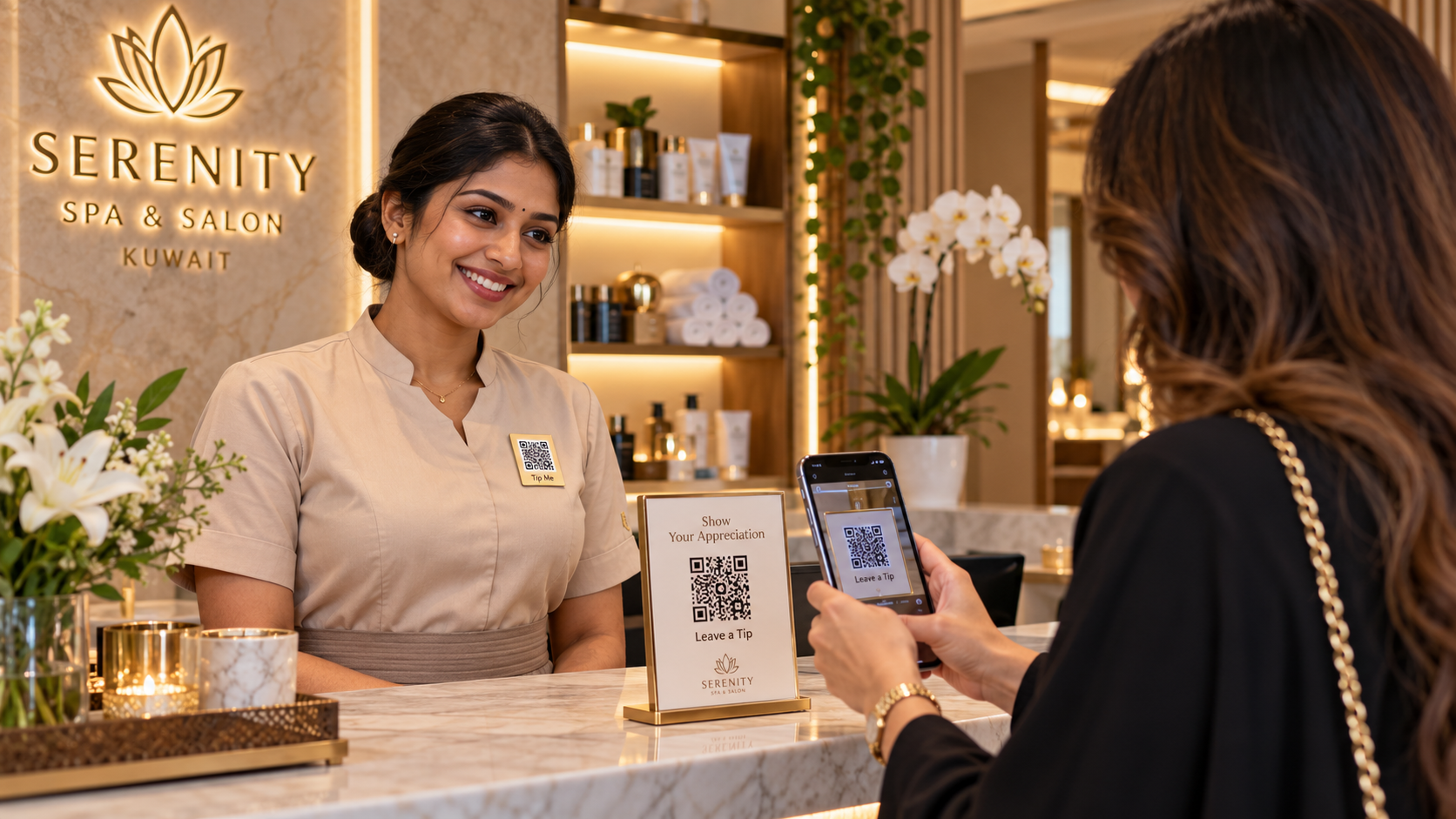
A server, valet or stylist can show their personal code to a guest. Tips left through that code are recorded for the team member.
- Personal QR badges Use a QR code linked to the team member’s profile.
- Named in the record Review individual tips in the merchant portal.

Choose how branch tips are shared
A venue can distribute branch tips itself or split them equally among active team members at that branch.
- Branch tip pool Use a shared branch code to collect tips for the team.
- Settlement history Review recorded tip allocations and settlement history.

Download and print your tipping codes
After verification, download your QR codes from the merchant portal. Print them for tables, counters or staff badges.
- Print-ready codes Download a PNG or print a QR sheet from the merchant portal.
- Places to display your code Add the code to your own signs, receipts or staff badges.

Sectors that benefit
Wherever a person serves a guest, iTip fits the moment.


Frequently asked questions
Ask us about iTipHow do guests leave a tip?
Guests scan a QR code and tip from their browser without an app or account. They can pay with KNET, debit or credit cards, or Apple Pay where available.
When are tips paid out?
Tips are paid out on your business’s agreed settlement schedule. You can check settlement status in the merchant portal.
What does iTip cost?
The first year of the subscription is free. Payment fees are separate and set out in your merchant agreement. Guests see any applicable fees before confirming a tip.
How can venues track tipping and payments?
Use the merchant portal to see tip transactions, review branch and staff totals, and check settlement status.
How do I get started?
Apply online. After verification, download your first QR code from the merchant portal. Your account must be connected to the payment provider before you can accept tips.
Which businesses can use iTip?
iTip is designed for service teams in Kuwait, including restaurants, hotels, salons, cafés and delivery businesses.
Bring cashless tipping to your business
Apply online and download your first QR code from the merchant portal after verification.